 RapidRAW
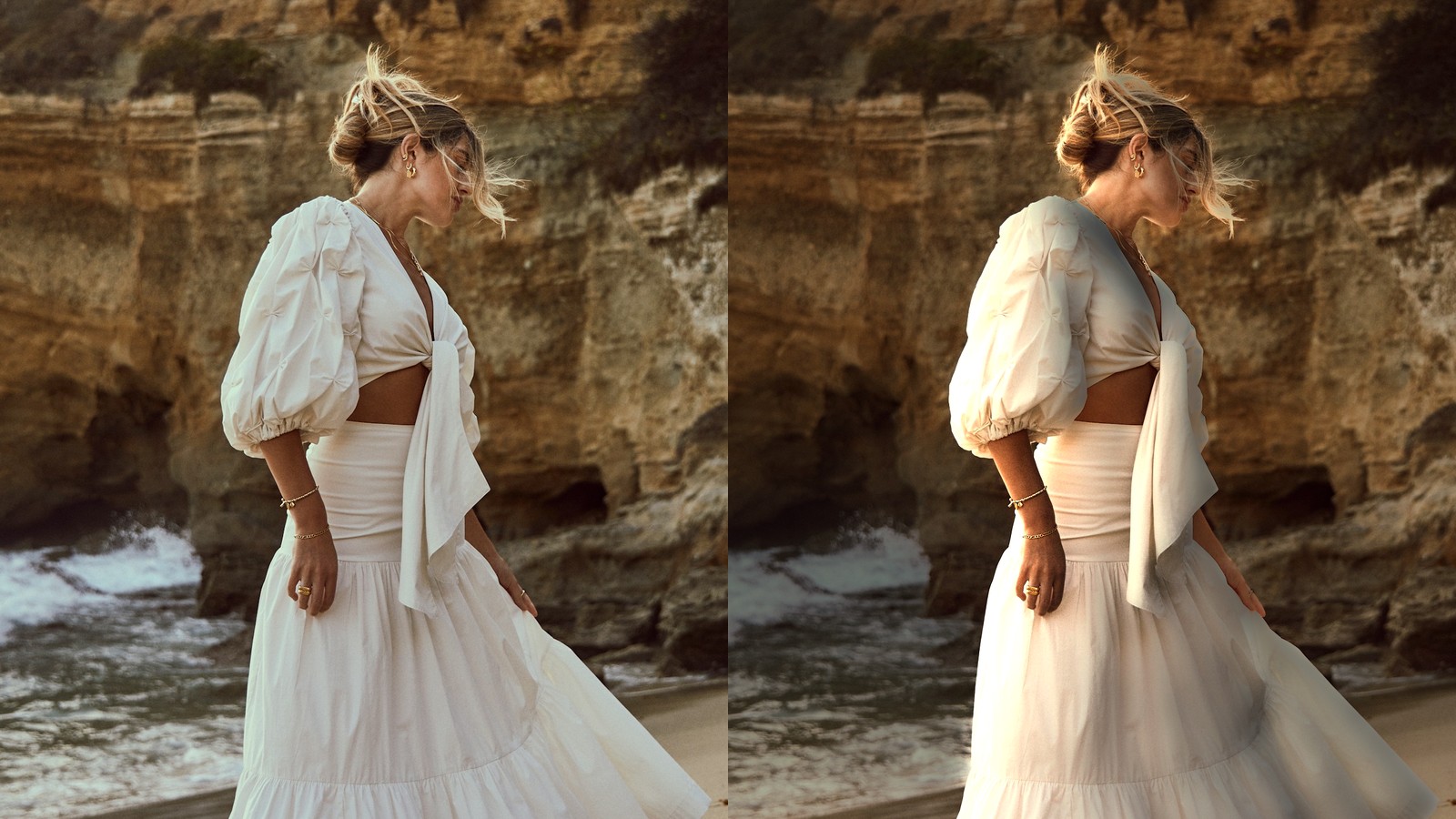
Relight: Adding Real Light to a Flat Photo
How RapidRAW turns a single photo into a 3D surface, and lets you light it like a studio scene after the fact.
I built it to fit my own workflow. 700,000+ downloads later, it fits a lot more than mine.
Free & open source · Other platforms & release notes →
Recognized & Featured By
Every adjustment runs in a 32-bit GPU pipeline, so sliders, masks and previews update instantly.
Select subjects, skies, faces or anything you type, and combine them with color and luminance masks.
Depth-based lens blur, relighting with real light sources, and fog, all without leaving the editor.
AgX tone mapping, accurate RAW colors, curves, color wheels, an HSL mixer, film emulations and LUTs.
Clone, heal and liquify, AI denoise on your GPU, and generative remove or add via ComfyUI or Cloud.
Cull, rate, flag and tag your whole collection, locally or on your Immich server, with edits synced across computers.
Paste edits and presets onto hundreds of photos at once. Exports and AI jobs run in a background queue.
Merge brackets, stitch panoramas, stack focus, convert film negatives, and shoot tethered with Live View.
Everyday AI tools run right on your computer. For generative edits, choose the setup that suits you:
Built into RapidRAW and running entirely on your computer, accelerated by your GPU. Fast, free, private, and no setup needed.
For users with a capable GPU who want maximum control, connect RapidRAW to your own local ComfyUI server.
For those who want a simpler solution, an optional subscription provides the same high-quality results without any hassle, and directly funds RapidRAW's development.
I've built a minimalistic, focused guide. From first setup to advanced masking, presets, and workflows, it’s all here.
Learn the essential hotkeys that make RapidRAW incredibly fast to use.
Combine AI subjects, skies, and Flow Masks for perfect localized edits.
Walk-throughs of complete photo edits, before and after.
The math behind RAW decoding, every slider and the AI tools.
How RapidRAW turns a single photo into a 3D surface, and lets you light it like a studio scene after the fact.
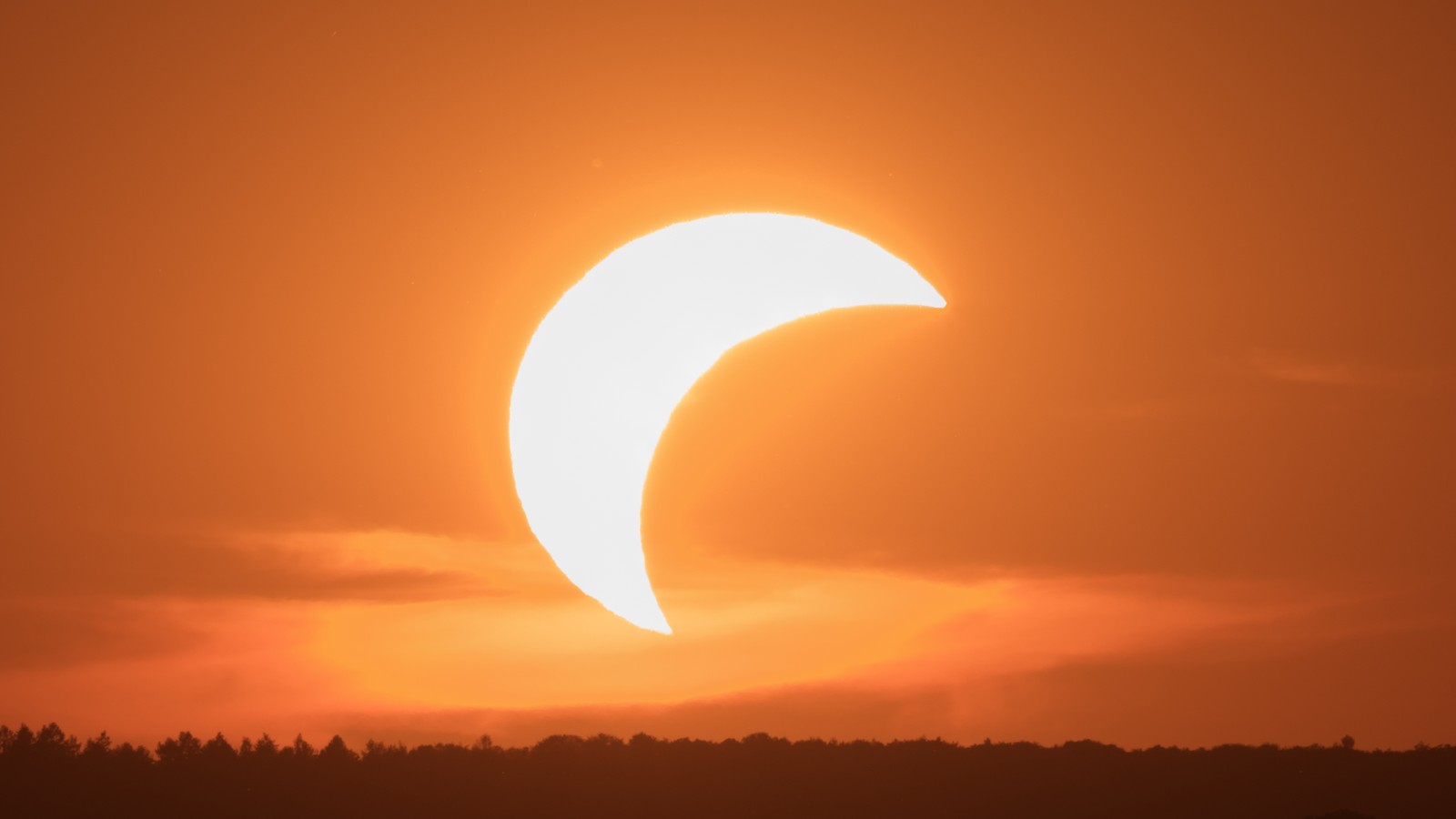
What really happens when a camera sensor clips, and how RapidRAW rebuilds the missing colors in blown highlights.
Reflecting on over 610,000 downloads, YouTube reviews, learning GPU shaders, and how a solo project became a global community.
In the age of AI, anyone can build a photo editor in a weekend. The hard part is keeping one working on hundreds of cameras, release after release, for years. I've been doing that since June 2025, at a pace I can keep up.
2025
In development since
69
Releases
2–4 weeks
Between updates on average
80+
Contributors
Your originals are never changed. Edits live in small JSON files next to your photos, and the code is AGPL, so both stay open whatever happens.
Usually a new release every few weeks. Sometimes I'm out taking photos instead, and that's how I find out what RapidRAW still needs.
Over 80 people have contributed code, and Cloud subscriptions and donations pay for the time that goes into it.
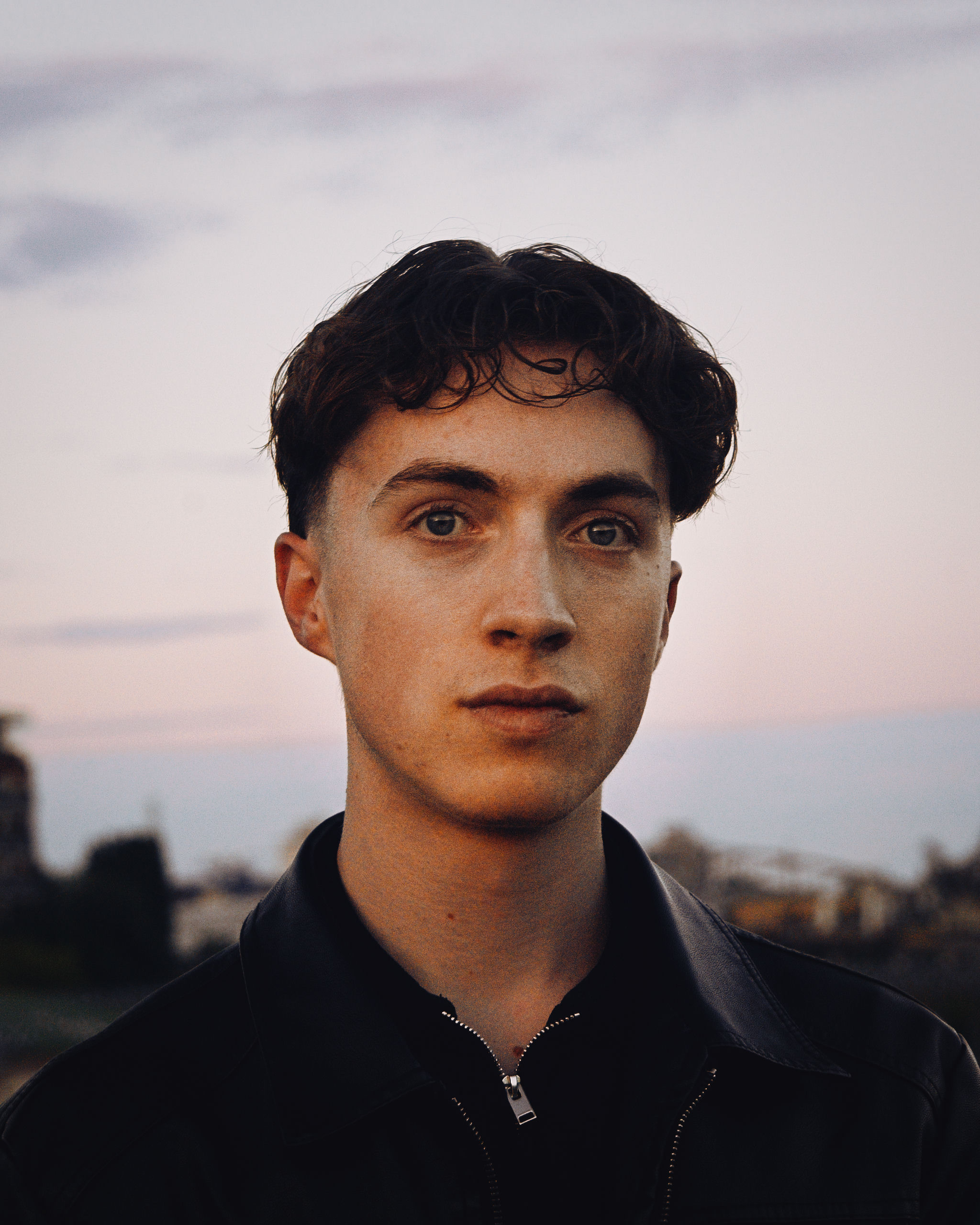
A brief history by Timon Käch
As a photography enthusiast, I often found existing software to be sluggish and resource-heavy on my machine. I wanted a faster, simpler photo editing experience, so I decided to build my own. The goal was to create a tool that was not only fast but also helped me learn the details of digital image processing and camera technology.
I started developing this project as a personal challenge when I was 18. I set an ambitious goal to rapidly build a functional, feature-rich application from an empty folder. This challenge pushed me to learn quickly and focus intensely on the core architecture and user experience.
The foundation is built on Rust for its safety and performance, and Tauri for its ability to create lightweight desktop apps. The entire image processing pipeline is offloaded to the GPU via WGPU and a custom WGSL shader, ensuring that even on complex edits with multiple masks, the UI remains fluid.
Timon Käch
Developer & Photographer • Lucerne, CH
As a young developer balancing this project with an apprenticeship, your support means the world. If RapidRAW has a place in your workflow, a donation buys me more time to work on it, new gear to test it with, and days outdoors with my camera, which is where most new ideas for RapidRAW start.
Using generative AI? A RapidRAW Cloud subscription gives you generative edits without any setup, and supports development directly.